AI Workflow Design: How to Map and Automate Your Business Processes

Designing effective AI-powered workflows is both an art and a science. The most common mistake businesses make is trying to automate a broken process — they end up with a fast, expensive version of something that wasn't working in the first place. Before you automate anything, you need to understand, map, and optimize your current workflows.
Start With Process Discovery
Process discovery is the foundation of effective workflow automation. This involves documenting every step in a process, who performs each step, what triggers each step, what data is involved, and where delays or errors typically occur. The best way to do this is to shadow the people who actually do the work — not just interview managers. The people doing the work know where the real bottlenecks are.
Identifying Automation Opportunities
Not every step in a process should be automated. The best automation candidates share these characteristics: they are triggered by a specific event or condition, they follow consistent rules with minimal judgment required, they involve moving or transforming data between systems, they are performed frequently (daily or more), and errors in this step have downstream consequences. Steps that require human judgment, relationship management, or creative thinking are generally better left to humans.
Designing the Automation Architecture
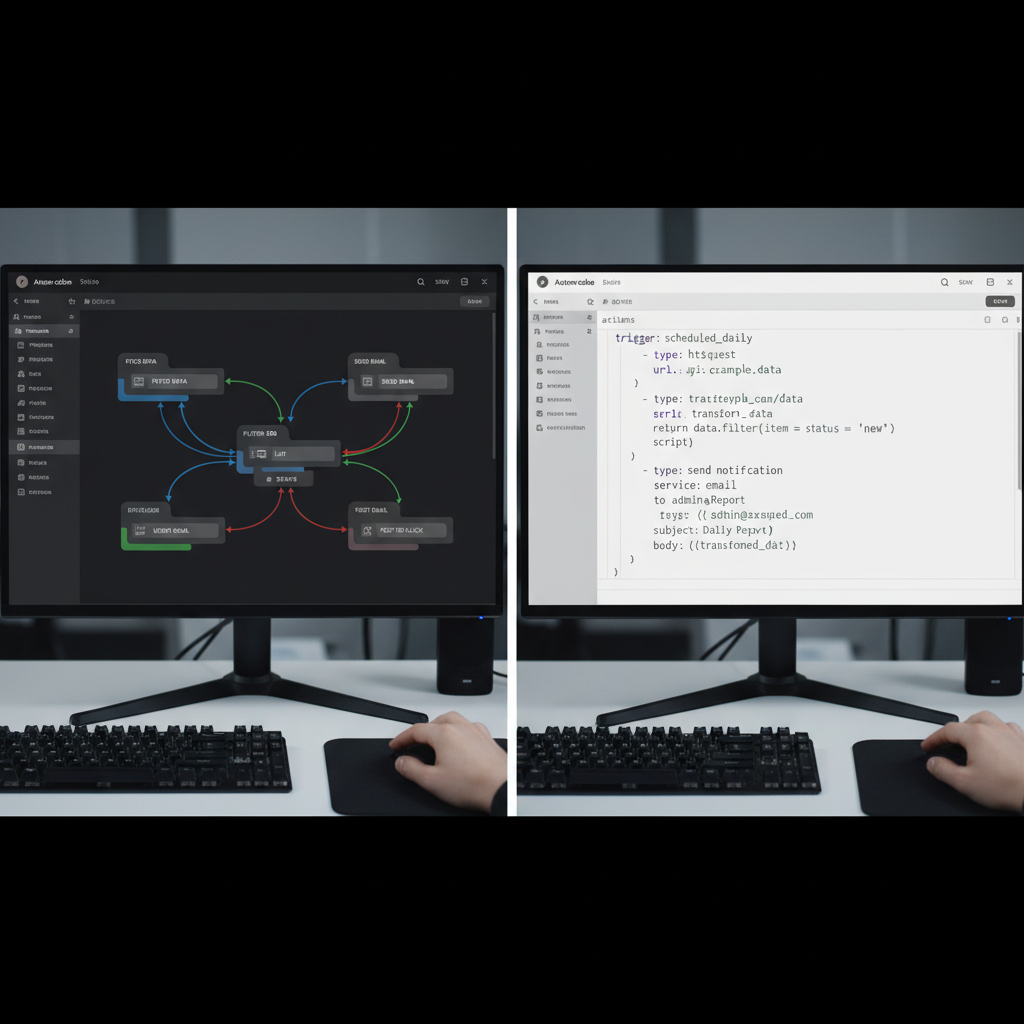
Once you've identified what to automate, you need to design the architecture. This includes defining the trigger (what starts the automation), the data inputs (what information does the automation need?), the processing steps (what transformations or decisions need to happen?), the outputs (what does the automation produce or update?), and the error handling (what happens when something goes wrong?). Sketch this out visually before building anything.
Building for Reliability
Production automation systems need to be reliable. This means building in error handling for every step that could fail, logging all automation runs for debugging, setting up alerts when automations fail, designing for idempotency (running the same automation twice shouldn't cause problems), and testing with real data before going live. Many automation projects fail not because the logic is wrong, but because they weren't built to handle edge cases and errors gracefully.
Iterating and Improving
Your first version of an automation is rarely your best version. Plan for iteration. Monitor your automations closely in the first 30 days, collect feedback from the people whose work is affected, and make adjustments based on real-world performance. The best automation systems are living systems that improve over time as you learn more about the edge cases and opportunities in your specific workflows.
Ready to Automate Your Business?
Schedule a free process review and discover which automations will deliver the highest ROI for your specific situation.
Schedule Your Free Process ReviewMore Articles

How AI Automation Saves 20+ Hours Per Week for Small Businesses
June 5, 2026 · 7 min read

ChatGPT for Customer Support: A Complete Implementation Guide
May 28, 2026 · 9 min read
Zapier vs. Make: Which Automation Platform Is Right for Your Business?
May 20, 2026 · 8 min read